
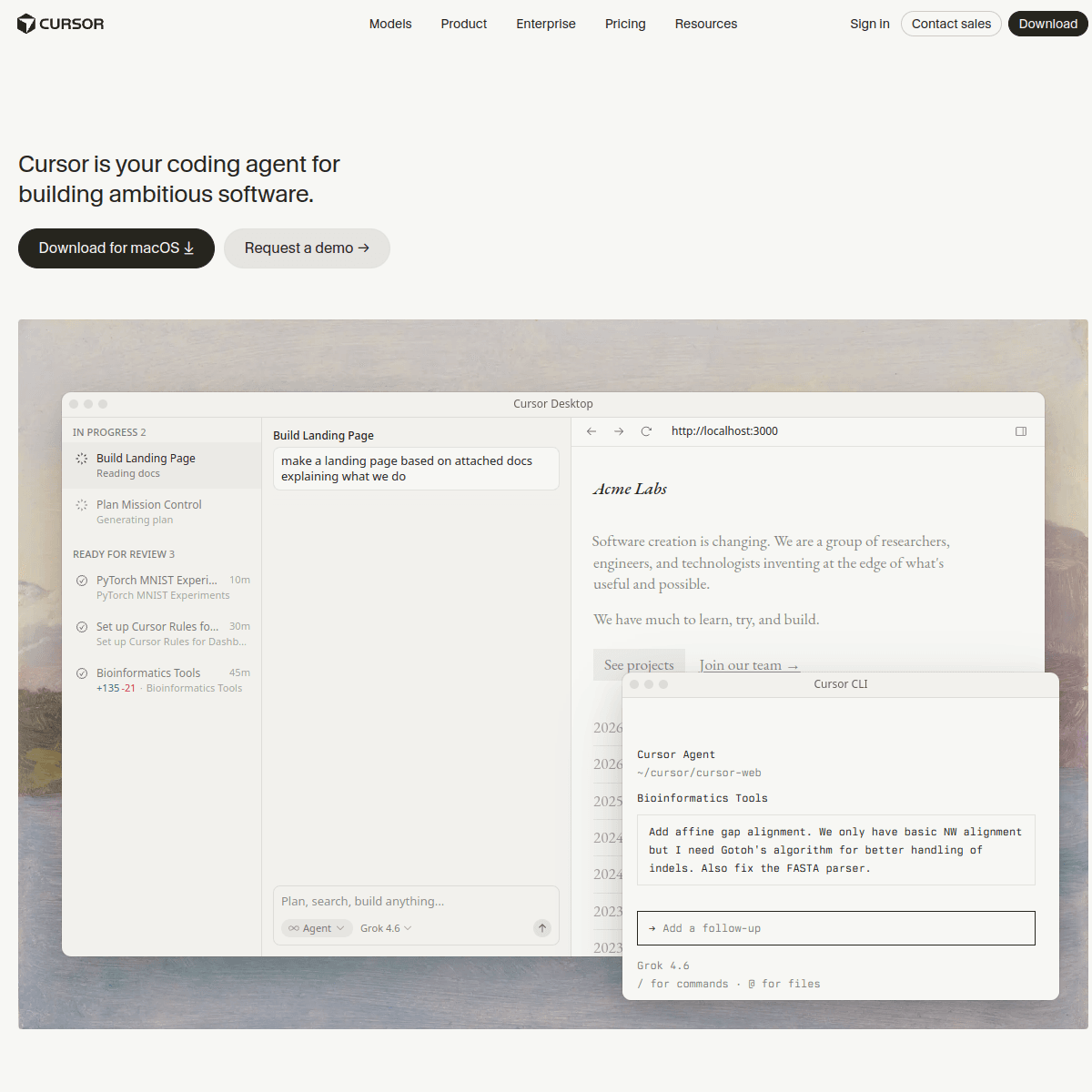
What is Cursor?
Cursor is a code editor built on top of VS Code's foundation, with AI woven throughout the editing experience rather than added as an extension: multi-file AI edits, an AI chat with awareness of your whole codebase, and an agent mode that can plan and execute larger coding tasks with your review at each step. Because it's a full editor rather than a plugin, it can offer deeper codebase context than editor-agnostic tools. It offers a free tier with limited AI usage, and paid plans that increase usage limits and access to more capable underlying models.
Best for
- AI-assisted feature development
- Codebase-wide refactors
- Developers wanting a dedicated AI editor
Not ideal for
A genuinely good tool can still be a poor fit for a specific situation — this isn't a list of flaws, it's about who this tool doesn't suit best.
- Developers attached to their current editor who don't want to switch
- Light AI users who'd rather stay on a free-tier-only tool
Key features
- Multi-file AI edits
- Codebase-aware chat
- Agent mode
- VS Code extension compatibility
AI Tool Compass Editorial Score
6.6This is a structured editorial/data score based on publicly verifiable information — not a user rating, a Google rating, an absolute ranking, or a popularity score. It's computed from documented features, pricing accessibility, free plan and integrations, following a documented internal methodology. See our full methodology.
Features
6.7/10
Value
8.0/10
Free plan
10.0/10
Integrations
0.0/10
Pros
- Deep, codebase-wide AI context
- Agent mode for multi-step coding tasks
- Familiar VS Code-based interface
Cons
- Requires switching editors if you're attached to your current one
- Heavier AI usage requires a paid plan
Alternatives
Full comparison →Comparisons
Recommended prompts
Recommended workflows
Use cases
User reviews
No reviews yet — real user ratings and ratings only appear here once submitted and moderated. Be the first to review Cursor.
Frequently asked questions
- Do I need to learn a new editor to use Cursor?
- Not much of one — Cursor is built on top of VS Code, so existing VS Code keybindings, themes and many extensions carry over. The main adjustment is the added AI chat, multi-file edit and agent features.
- Is Cursor free to use?
- There's a free tier with limited AI usage. Paid plans starting around $20/month raise those usage limits and give access to more capable underlying models.
- What does Cursor's 'agent mode' actually do?
- It can plan and carry out a larger, multi-step coding task — touching several files — while still surfacing each change for your review rather than applying everything silently.
Sources & Verification
- Official website
- cursor.com
- Verification status
- Needs review
- Last verified
- September 2026
- Data source
- General knowledge, not independently re-verified against the vendor's site this session
This tool's pricing and features have not been independently re-verified against the provider's current site. Confirm details on the official website above before relying on them.