
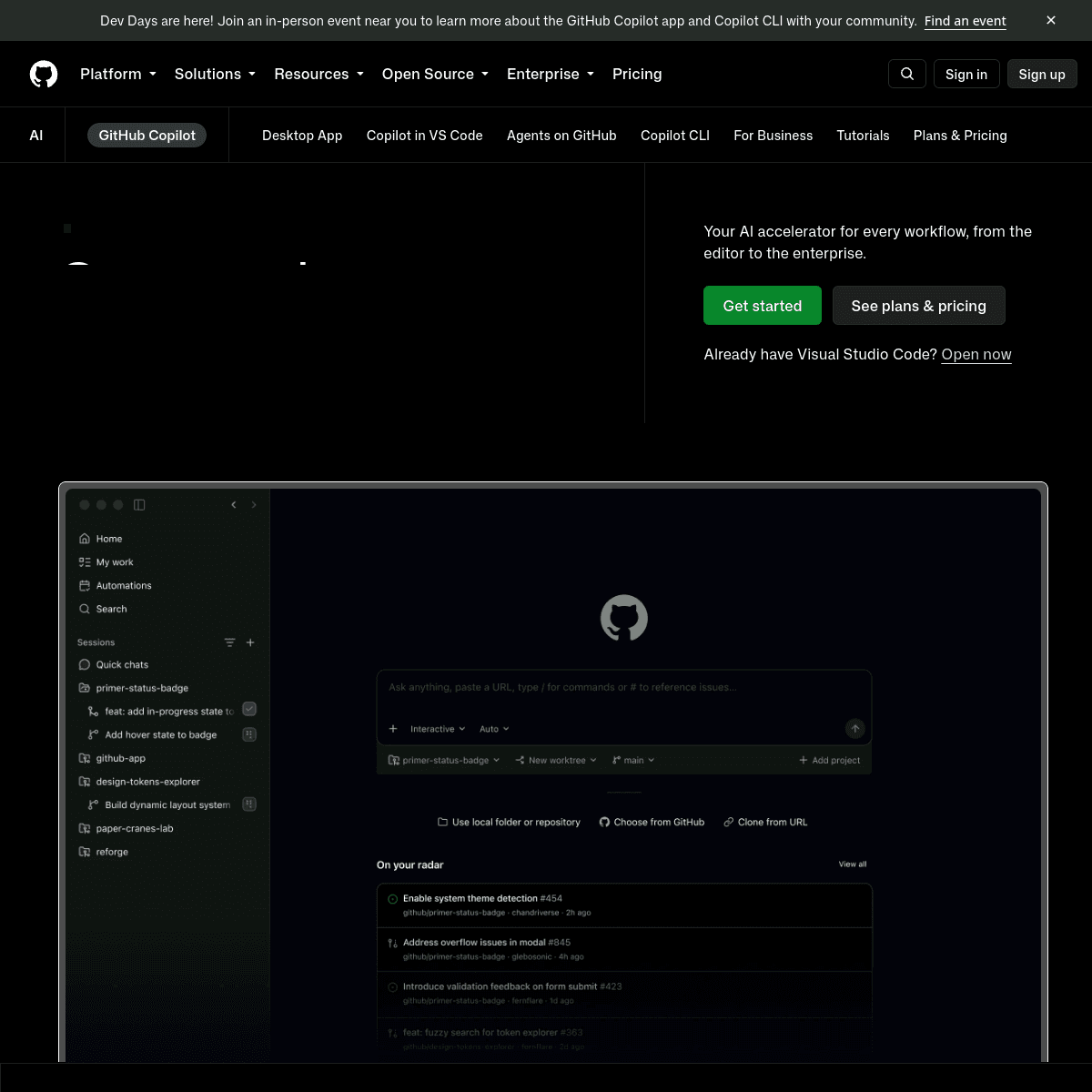
What is GitHub Copilot?
GitHub Copilot is an AI pair-programmer that suggests code completions, whole functions, and chat-based explanations directly inside editors like VS Code, JetBrains IDEs and Neovim. It can explain unfamiliar code, suggest fixes for errors, generate tests, and — via Copilot Workspace/agent features — take on larger, multi-file tasks. Individual plans are billed monthly per seat; GitHub also offers Business and Enterprise tiers with organization-wide policy controls, and a limited free tier for individual accounts with monthly usage limits. Because Copilot ships as an extension rather than a separate editor, it fits into workflows teams already have rather than requiring anyone to change tools — this is one of the biggest reasons for its wide adoption inside existing engineering organizations. Inline suggestions appear as you type, based on the surrounding code and open files, and can be accepted, modified or ignored without breaking flow. Copilot Chat adds a conversational panel for asking questions about the current codebase, requesting a refactor, or getting an explanation of an error message without leaving the editor. GitHub's education program provides free access to verified students and maintainers of popular open-source projects, which has made it many developers' first exposure to AI-assisted coding. For organizations, Business and Enterprise tiers add policy controls like blocking suggestions that match public code too closely, and audit logging — considerations that matter for companies with strict intellectual-property or compliance requirements around code provenance. As with all AI coding tools, suggestions should be reviewed like any other contributor's code, particularly around security-sensitive logic.
Best for
- In-editor code completion
- Explaining unfamiliar code
- Generating tests and boilerplate
Not ideal for
A genuinely good tool can still be a poor fit for a specific situation — this isn't a list of flaws, it's about who this tool doesn't suit best.
- Developers who want a fully AI-native editor rather than an in-editor extension
- Teams unwilling to review AI suggestions for correctness and security before merging
Key features
- Inline code completion
- Chat-based code assistance
- Test generation
- Multi-file editing agent
AI Tool Compass Editorial Score
6.6This is a structured editorial/data score based on publicly verifiable information — not a user rating, a Google rating, an absolute ranking, or a popularity score. It's computed from documented features, pricing accessibility, free plan and integrations, following a documented internal methodology. See our full methodology.
Features
6.7/10
Value
8.0/10
Free plan
10.0/10
Integrations
0.0/10
Pros
- Deep integration with popular editors
- Strong at boilerplate and repetitive code
- Chat mode for explanations and debugging
Cons
- Suggestions still need review for correctness and security
- Full feature set tied to a paid seat for most users
Alternatives
Full comparison →Comparisons
Recommended prompts
Recommended workflows
Use cases
User reviews
No reviews yet — real user ratings and ratings only appear here once submitted and moderated. Be the first to review GitHub Copilot.
Sources & Verification
- Official website
- github.com
- Verification status
- Needs review
- Last verified
- September 2026
- Data source
- General knowledge, not independently re-verified against the vendor's site this session
This tool's pricing and features have not been independently re-verified against the provider's current site. Confirm details on the official website above before relying on them.